Products and configurations to compare
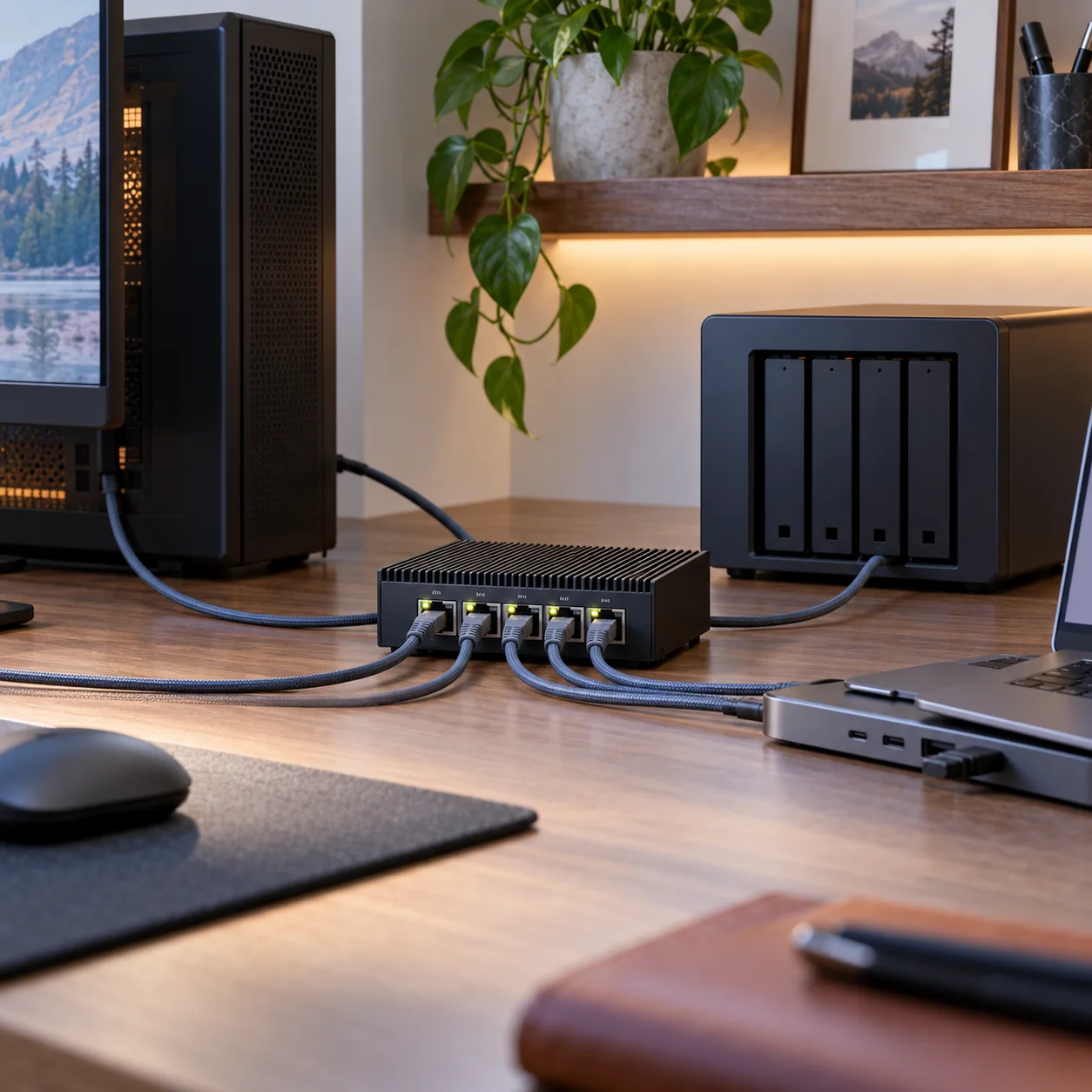
TP-Link TL-SG105-M2
Five fanless 2.5GbE ports.
Best when: 2–4 fast wired devices
Watch for: no managed VLAN features
8-port 2.5GbE switch
Room to grow.
Best when: NAS, desktops, APs need more ports
Watch for: higher cost/power
Cat6 patch cable set
Cheap known-good layer.
Best when: old mystery patch cords cause link issues
Watch for: existing Cat5e often works too
NAS is the killer use case
Large backups can more than double versus gigabit under favorable storage conditions.
Internet speed may not change
Local LAN is the main benefit unless ISP/router are multigig.
Fanless matters on desks
No tiny switch fan whine.
Auto-negotiation preserves old devices
Gigabit clients still work.
Storage can become the new bottleneck
Hard-drive arrays may not saturate 2.5GbE on every workload.
2.5GbE is the practical home-office multigig step
2.5GbE runs over much existing Cat5e/Cat6 cabling and has become common on modern desktops, NAS units, routers and USB-C adapters. That makes it a much cheaper upgrade than jumping directly to 10GbE everywhere.
A 2.5GbE switch does not make gigabit internet faster by itself. Its value appears in local traffic: workstation-to-NAS backups, large media projects, multiple fast clients talking to a server, or a multi-gig internet plan paired with a router that actually has multi-gig LAN/WAN ports.
The whole path must be multigig
Computer NIC, switch port, router/NAS port and cable all participate. A single 1GbE link caps that path near gigabit speeds. Start by mapping the devices that genuinely move large files and upgrade those first.
Before checkout
- Host port standard is confirmed, not guessed from USB-C connector shape
- Monitor resolution and refresh target are listed before buying a KVM/dock
- USB hub power supply is adequate for attached devices
- Charger port allocation supports the laptop's actual wattage
- USB-C cables have the required power and data rating
- Ethernet path is multi-gig end to end where speed matters
- NVMe enclosure interface matches the host's fastest useful port
- Monitor arm weight/VESA limits exceed the display requirements
- Power strips and UPS units are not daisy-chained
- The purchase removes a recurring desk bottleneck rather than adding ports you will never use
Map the signal path before buying another adapter
For every device, trace the entire path from source to destination. A laptop might connect through Thunderbolt to a dock, then DisplayPort to a KVM, then HDMI through an adapter to a monitor. If something fails at 4K 60Hz, any link can be responsible. Write down the host port, dock capability, cable standard, switch capability and monitor input before buying.
The same rule applies to storage and networking. A 40Gbps enclosure behind a 10Gbps hub is a 10Gbps device. A 2.5GbE adapter connected to a gigabit switch is a gigabit link. A 140W charger using a cable that supports only 60W will negotiate down. Workstation gear is a chain, and the slowest or least-compatible link wins.
Prefer fewer boxes with clearer jobs
Complex desks become unreliable when every box overlaps three others. A good architecture is easy to explain: dock handles the laptop, KVM/USB switch handles computer switching, powered hub handles low-speed peripherals, charger handles mobile power, switch handles Ethernet. Once each box has a clear job, troubleshooting becomes far easier.
Label high-speed USB-C cables, keep one known-good spare, and photograph the back of the desk before cable-managing it. The next time a drive disconnects or a monitor stops waking, you will know exactly what changed.
Frequently asked questions
Does Cat5e work?
2.5GBase-T is designed to work over suitable Cat5e at standard Ethernet distances, though cable quality matters.
Will internet be 2.5x faster?
Only if ISP/router path supports more than 1Gbps.
Managed switch needed?
Not for basic home-office use.
How fast is 2.5GbE in MB/s?
The theoretical line rate is 312.5 MB/s before protocol overhead.
Current product/source checks
Affiliate disclosure: ComputerGear participates in Amazon Associates and eBay Partner Network. We may earn from qualifying purchases at no extra cost to you. Amazon links use scouttheory-20; eBay links use campaign 5339137014.